Choosing brand fonts can feel overwhelming. There are thousands of options, and most of them look good in isolation. The trick is to stop asking “which font do I like?” and start asking “which font does my brand need?” This guide gives you a step-by-step process that works for a new business, a rebrand, or a side project.
Step 1: Know What Your Brand Stands For
Before you look at a single font, write down:
- Who your customers are. Teenagers, young parents, business owners, brides?
- What you want them to feel. Excited, safe, inspired, pampered?
- Three personality words. For example “bold, playful, modern” or “calm, elegant, natural”.
These answers become your filter. If you need help translating personality into type, our article on brand personality and typography explains which font styles express which traits.
Step 2: Choose a Primary Font
Your primary font carries your personality. It appears in your logo, large headlines, banners, and packaging. This is where character matters more than neutrality, so explore scripts, handwritten fonts, and display fonts.
A few examples:
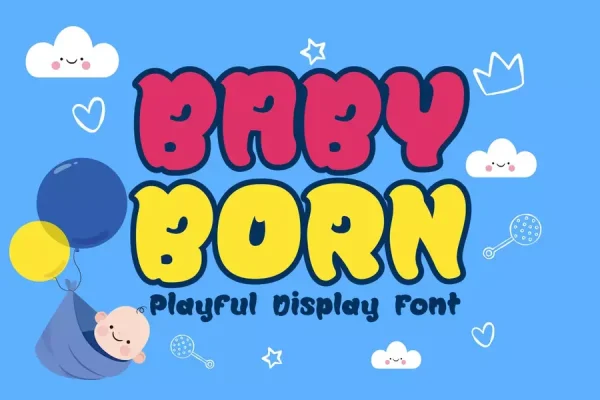
- A playful kids’ brand might choose Baby Born.
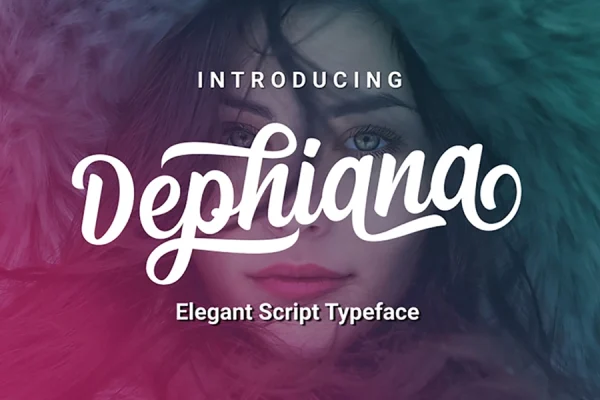
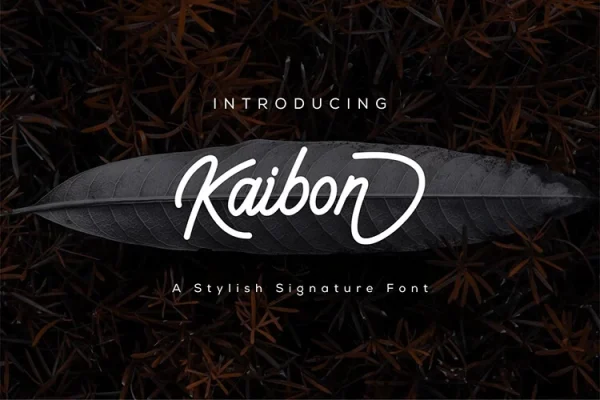
- An elegant beauty brand might choose Dephiana or Kaibon.
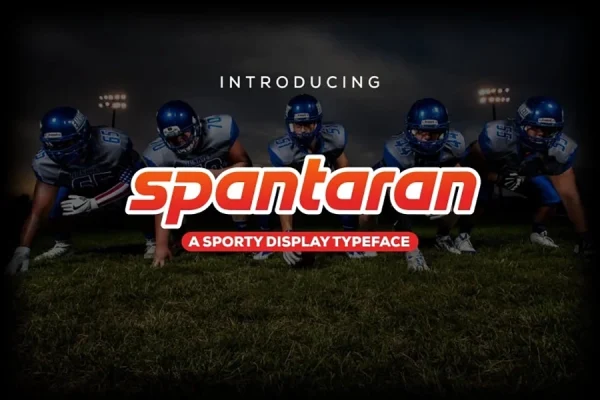
- A sports or esports brand might choose Spantaran.
- A natural, handmade brand might choose Mallorist.
Step 3: Choose a Secondary Font
Your secondary font does the quiet work: paragraphs, product descriptions, menus, captions, and forms. It must be easy to read at small sizes on every device. A clean sans serif like Raghill pairs well with almost any expressive primary font.
Pairing tips
- Contrast, not conflict. Pair a decorative primary font with a simple secondary font. Two expressive fonts compete for attention.
- Match the mood. A warm handwritten primary pairs better with a soft sans serif than with a rigid, technical one.
- Limit the number. Two fonts is usually enough. A third can be used for small accents such as numbers or labels.
Step 4: Test in Real Situations
Mock up the places your brand actually appears:
- Your logo at large size and as a small social media avatar.
- A website header and a product page.
- A social media post with a headline and caption.
- Packaging, a business card, or an invoice.
Look at each on a phone and in print. Remove any font that becomes hard to read or loses its character.
Step 5: Check the License
Brand fonts are used commercially everywhere: logos, products, ads, and websites. Make sure your license covers each of those uses, including web embedding if the font will be used on your site. Our licensing page and EULA explain what each Nurf license includes.
Step 6: Build a Simple Type System
Write down the rules so your typography stays consistent:
- Heading sizes for H1, H2, and H3.
- Body text size and line spacing.
- Colors for text, links, and buttons.
- When to use the primary font and when not to.
Even a one-page guide prevents the slow drift into inconsistency that makes brands look unprofessional.
Where to Find Brand Fonts
Start by browsing fonts by category: display, script, handwritten, and sans serif. If you are still exploring, our free fonts let you test ideas in real mockups before committing.
Frequently Asked Questions
How do I know if two fonts pair well?
Put them together in a real layout with a headline and a paragraph. If the headline stands out and the paragraph is easy to read, the pairing works.
Should my website use the same fonts as my logo?
Your headings can use your logo font for consistency, but body text on a website should use a highly readable font.
Is it worth buying a font for my brand?
Yes, if you use it commercially. A paid license gives you legal protection and usually a more complete character set than free alternatives.