Picking a font is only half the job. The size and style you set it in decide whether the text is comfortable to read, whether the important parts stand out, and whether the design feels balanced. A great font at the wrong size can look clumsy, and an ordinary font at the right size can look polished.
Why Font Size Matters
- Readability. Text that is too small strains the eyes; text that is too big breaks into awkward lines.
- Hierarchy. Size differences tell readers what is most important.
- Accessibility. Many readers, including older people and those with low vision, need larger text.
- Context. A billboard, a phone screen, and a business card all need different sizes.
Recommended Font Sizes
Websites
- Body text: 16 to 20px.
- H1 headings: about 32 to 48px on desktop, smaller on mobile.
- H2 and H3: step down gradually, for example 28px and 22px.
- Captions and labels: at least 13 to 14px.
- Buttons: 16px or more, so they are easy to tap.
- Books and reports: 10 to 12pt for body text.
- Flyers: 24pt or more for headlines, 10 to 12pt for details.
- Posters: headlines large enough to read from several meters away.
- Business cards: at least 7 to 8pt for small details.
Social media graphics
Most people view them on a phone, often small in a feed. Keep text short and large. A good rule is that the main headline should be readable when the image is shrunk to the size of a thumbnail.
Font Styles and What They Do
Weight
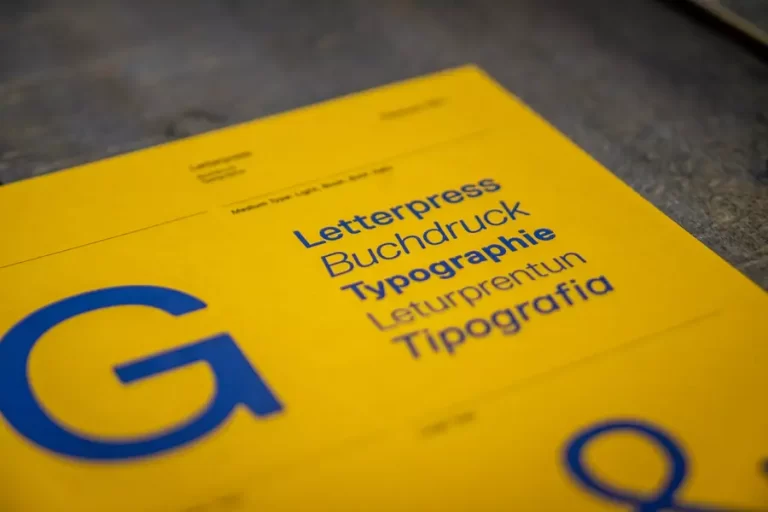
Weight is the thickness of the strokes. Bold weights grab attention and work for headings and key words. Light weights feel elegant but can disappear at small sizes, so use them for large text.
Italic
Italics add emphasis or mark titles and quotes. Use them for short phrases rather than whole paragraphs, which are harder to read in italics.
Case
All capitals feel strong and formal and suit short headings and buttons. Add a little letter spacing to make them easier to read. Avoid all-caps for long text.
Decorative styles
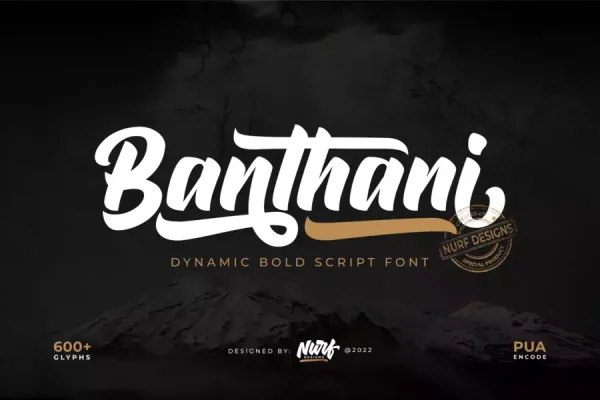
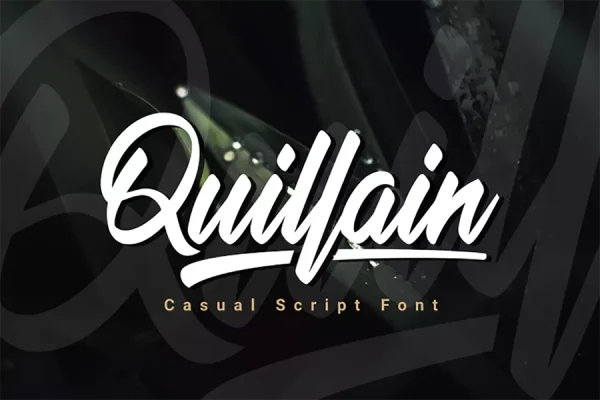
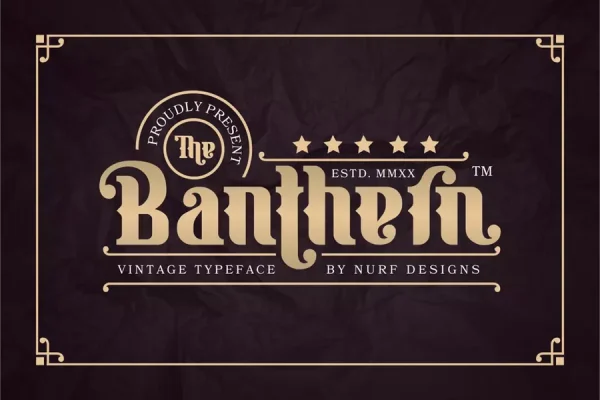
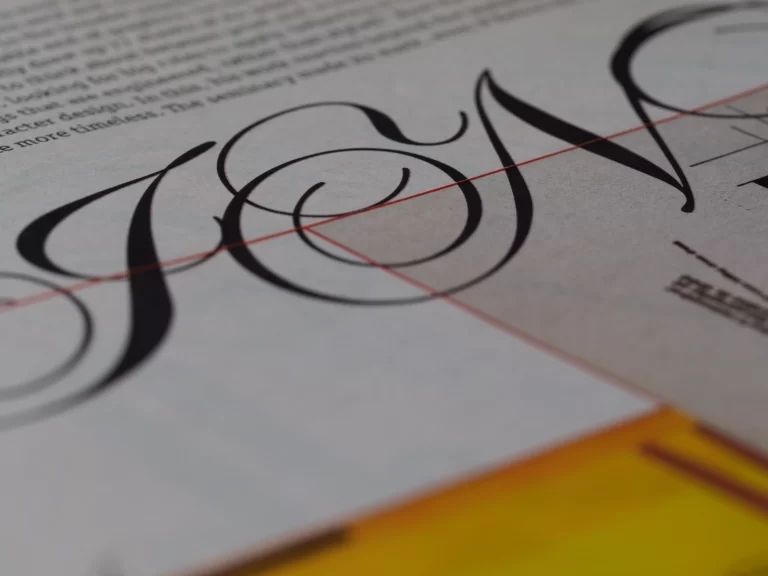
Script, handwritten, and display fonts have strong personalities. They often need larger sizes than simple fonts because their details get lost when small. A script like Banthani or Quillain looks best as a headline, while bold display fonts like Kahfi or Banthern shine at poster size.
How to Create a Size Scale
Instead of picking random sizes, use a scale. Start with your body size, for example 16px, and multiply by a fixed ratio such as 1.25 for each heading level: 16, 20, 25, 31, 39. A scale makes every page feel consistent and saves you from guessing.
Pairing Sizes with Fonts
Display and script fonts work best at large sizes; simple sans serifs work best for small text. A common, reliable setup is a characterful headline font such as Raphtalia or Rapidone at 40px or more, paired with Raghill or another clean sans serif for 16px body text. For more on readability and how text supports learning, see the effect of fonts on learning and memory.
Frequently Asked Questions
What is the minimum font size for a website?
16px is the widely recommended minimum for body text. Smaller text can be used for captions and labels, but not below about 12 to 13px.
Why does my script font look too small?
Script fonts often have small lowercase letters and thin strokes. Set them larger than you would a sans serif, or use them only for headlines.
Should headings always be bold?
Not always. Size, color, or a contrasting font can also create hierarchy. Bold is simply the quickest way to add emphasis.