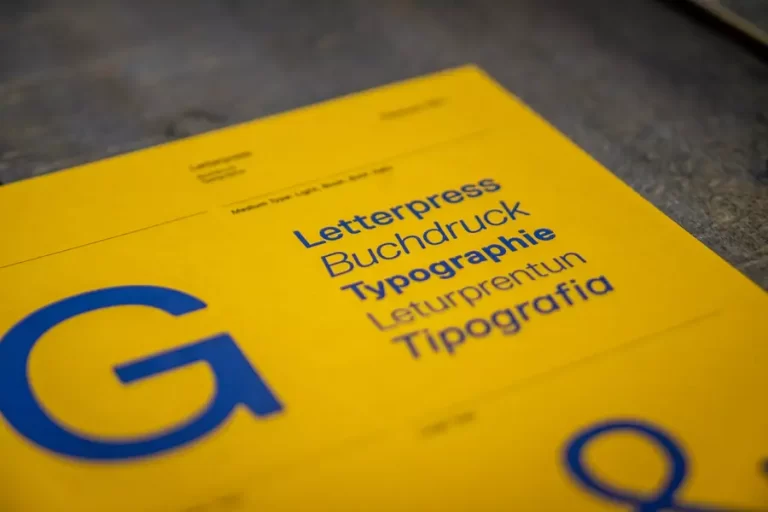
Typing with a font takes no effort, but making one takes weeks or months of careful work. Every letter has to look good alone, next to every other letter, at every size, and in every language the font supports. Here is how a typeface goes from an idea to a file you can install.
1. Idea and Research
Every font starts with a purpose. Is it a bold display font for posters, an elegant script for wedding invitations, or a readable sans serif for websites? The designer collects references: old signs, calligraphy, packaging, lettering from books, or their own sketches. This research defines the personality and the technical requirements, such as which weights and languages are needed.
2. Sketching Key Letters
Designers rarely draw all letters at once. They start with a few “key” characters that define the style. For many Latin fonts, the word “hamburgefonstiv” is a classic starting point because its letters contain most of the basic shapes: straight stems, round bowls, diagonals, and descenders.
For script and handwritten fonts, this stage often happens with a brush, pen, or tablet. The goal is to capture natural movement while keeping the strokes consistent enough to become a font.
3. Digitizing the Letters
The sketches are scanned or redrawn in font software as vector outlines. Each letter is built from points and curves. Designers spend a lot of time refining these curves so they are smooth, balanced, and efficient. Small details, such as how thick a stroke is where it joins a curve, make a big difference.
4. Building the Full Character Set
Once the key letters work, the designer draws the rest: uppercase and lowercase, numbers, punctuation, symbols, and accented characters for other languages. Many fonts also include extras:
- Alternates: different versions of a letter for variety.
- Ligatures: special combined shapes for letter pairs like “ff” or “th”.
- Swashes: decorative strokes, common in script fonts.
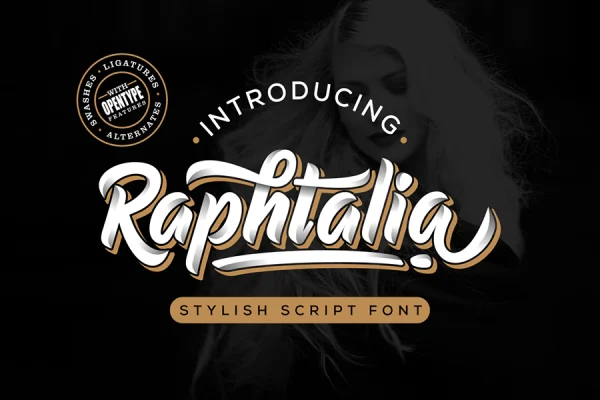
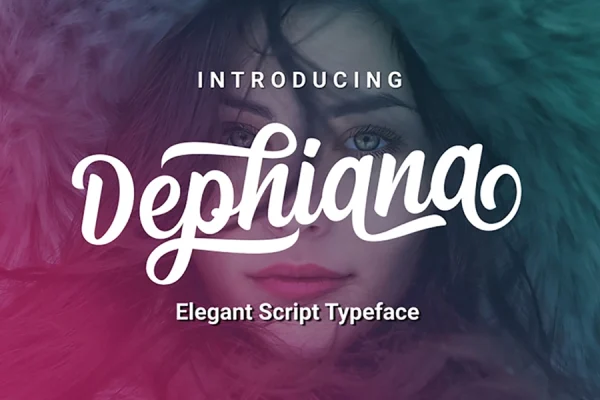
Script fonts such as Raphtalia and Dephiana rely on these extras to look natural and flowing.
5. Spacing and Kerning
This is the invisible work that separates a good font from a frustrating one. Spacing sets how much room each letter has on its left and right sides. Kerning adjusts the space between specific pairs, such as “AV” or “To”, which would otherwise look too far apart. A font with good spacing creates an even rhythm across a word.
6. Adding OpenType Features
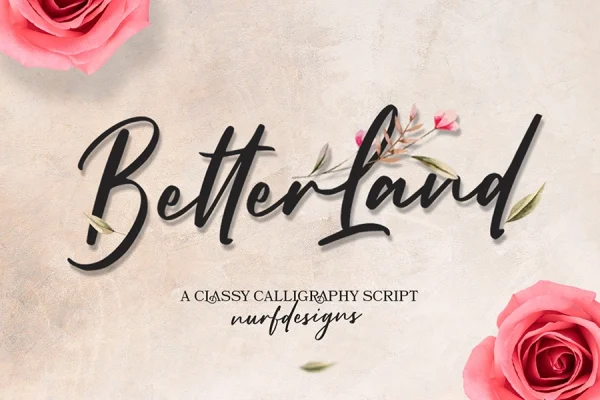
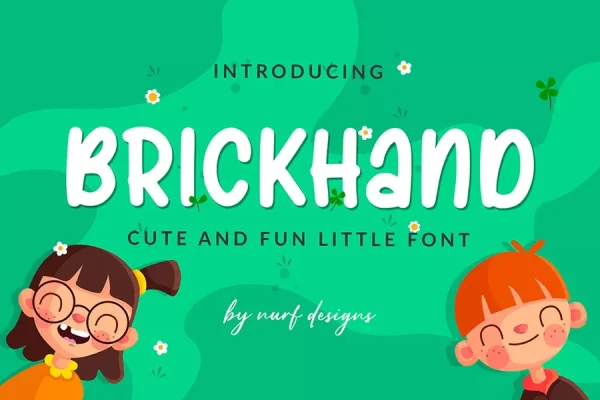
Modern fonts are smart. OpenType features let the font automatically swap letters, apply ligatures, or connect script letters correctly. Handwritten fonts like Better Land and Brickhand can use alternate characters so repeated letters do not look identical, which keeps handwriting looking real.
7. Testing
The designer tests the font in real text at many sizes, in different apps, and on different operating systems. They look for uneven spacing, letters that stand out, technical glitches, and missing characters. Feedback often sends the designer back to earlier stages several times.
8. Release
Finally the font is exported in formats such as OTF, TTF, and web fonts, with a license that defines how it can be used. It is then presented with preview images that show the font in realistic designs. You can see how this looks in practice on any product page in our shop, and try several fonts for free on our freebies page.
Why This Matters for Font Users
Knowing how fonts are made helps you choose better ones. A well-made font has consistent spacing, a complete character set, and features that make your designs look polished with little effort. When you buy a font, you are also paying for hours of invisible work and a license that protects your use. For more on how type shapes design, read why typography matters in graphic design.
Frequently Asked Questions
How long does it take to design a font?
A simple display font can take a few weeks. A large family with many weights and languages can take a year or more.
What software is used to make fonts?
Professional designers use dedicated font editors such as Glyphs, FontLab, or RoboFont, often together with illustration software for drawing.
What is the difference between spacing and kerning?
Spacing is the default room around each letter. Kerning is an adjustment for specific letter pairs that need more or less space.